Apply custom skins
Use skins you downloaded from Addons
-
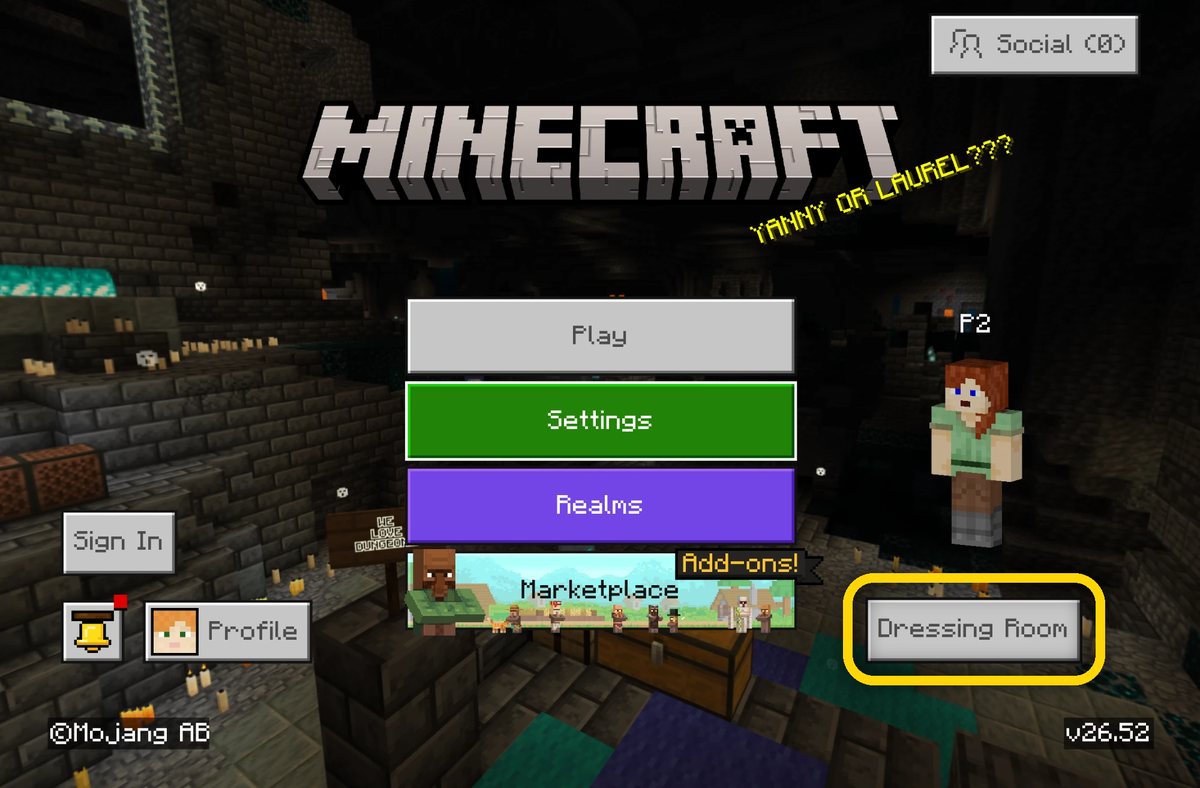
Open Minecraft and tap Dressing Room.
-
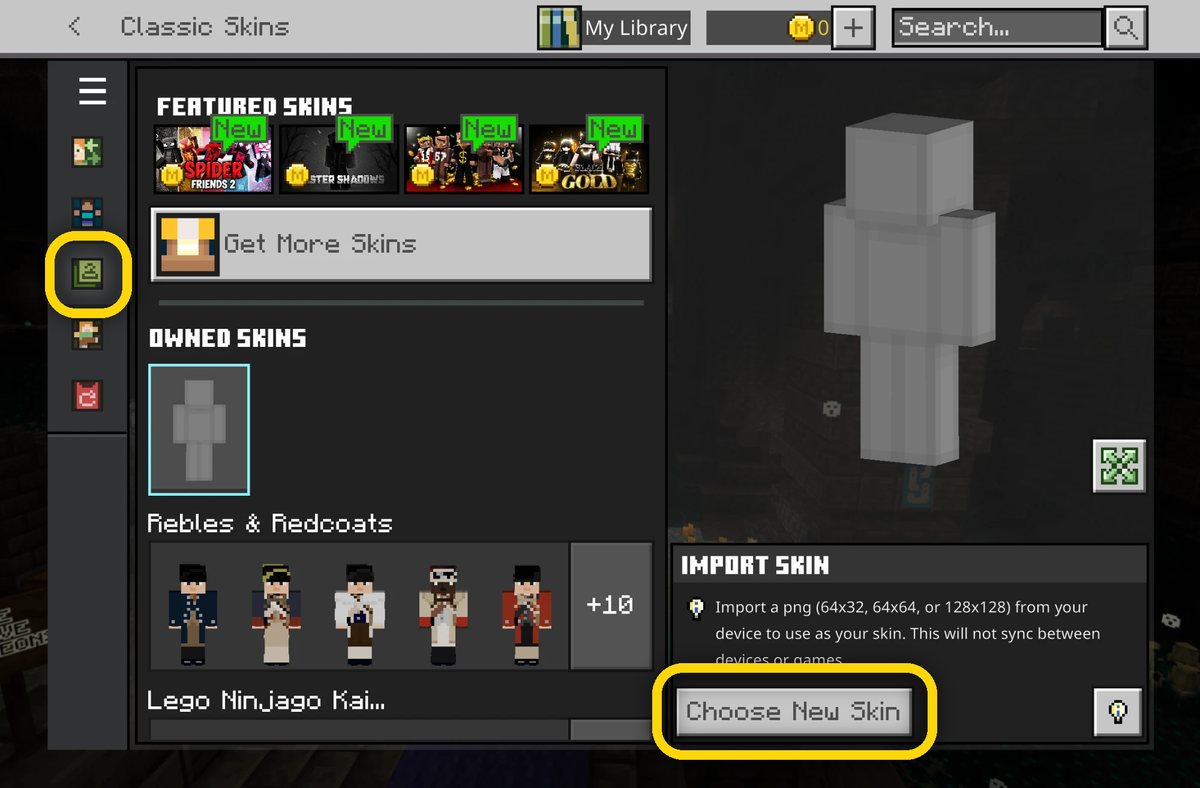
Open the Classic Skins tab, then tap Choose New Skin under Import Skin.
-
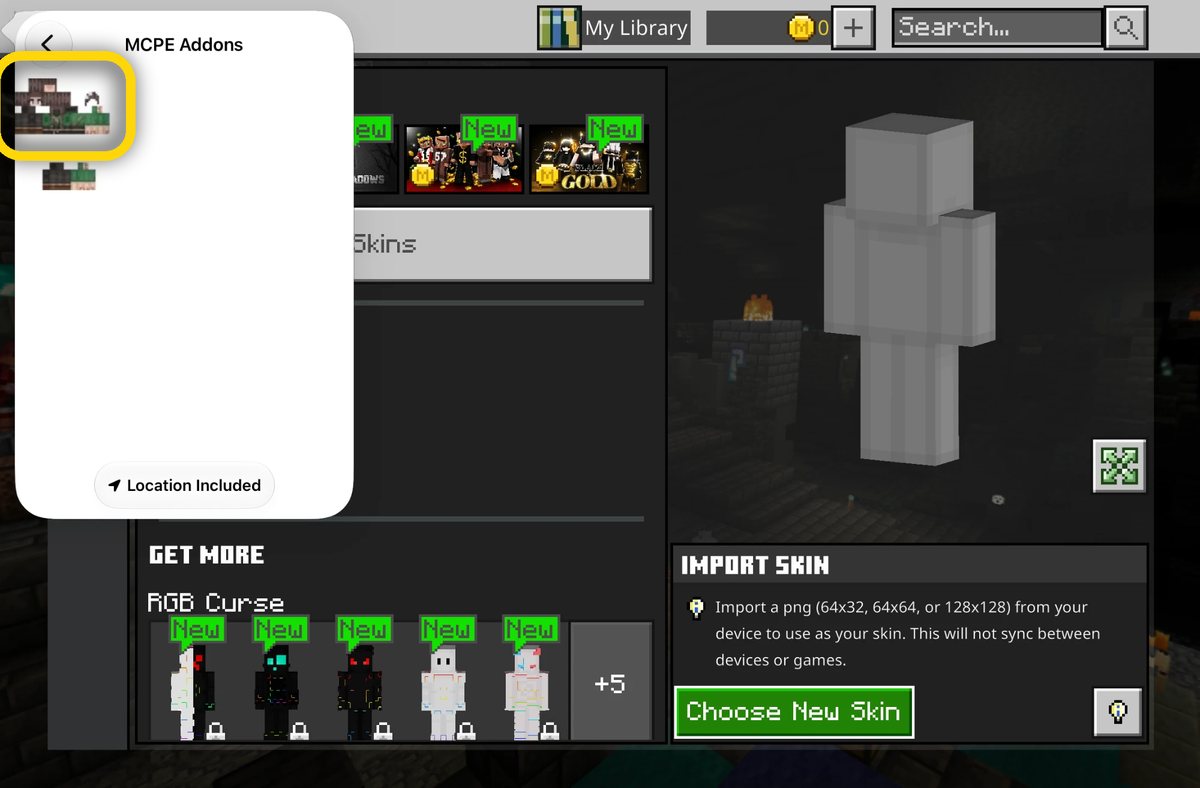
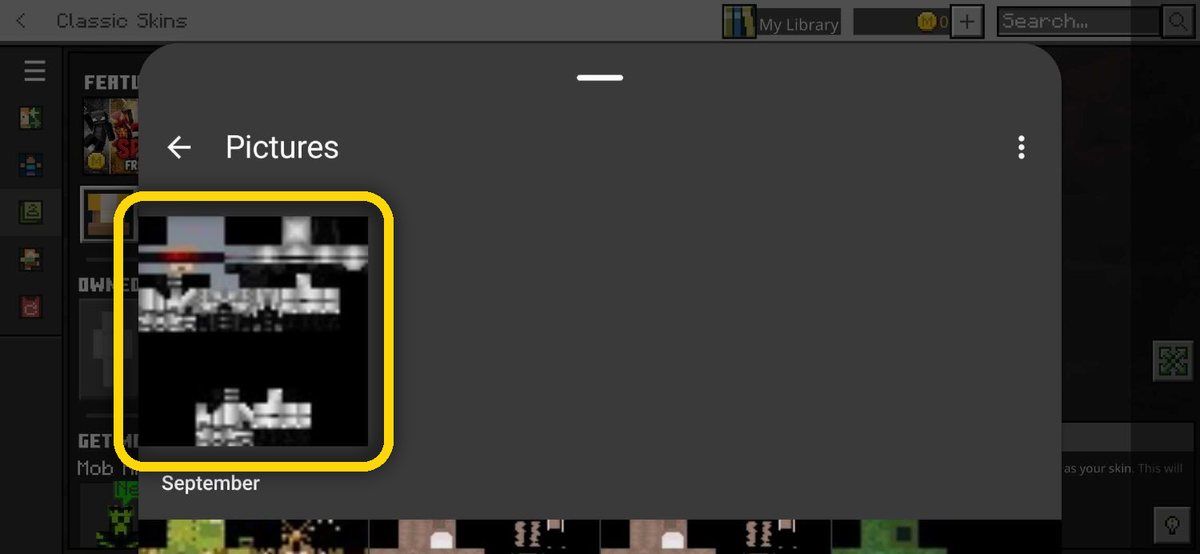
Pick the skin you saved from Addons.
-
Pick the skin you saved from Addons in your gallery.
-
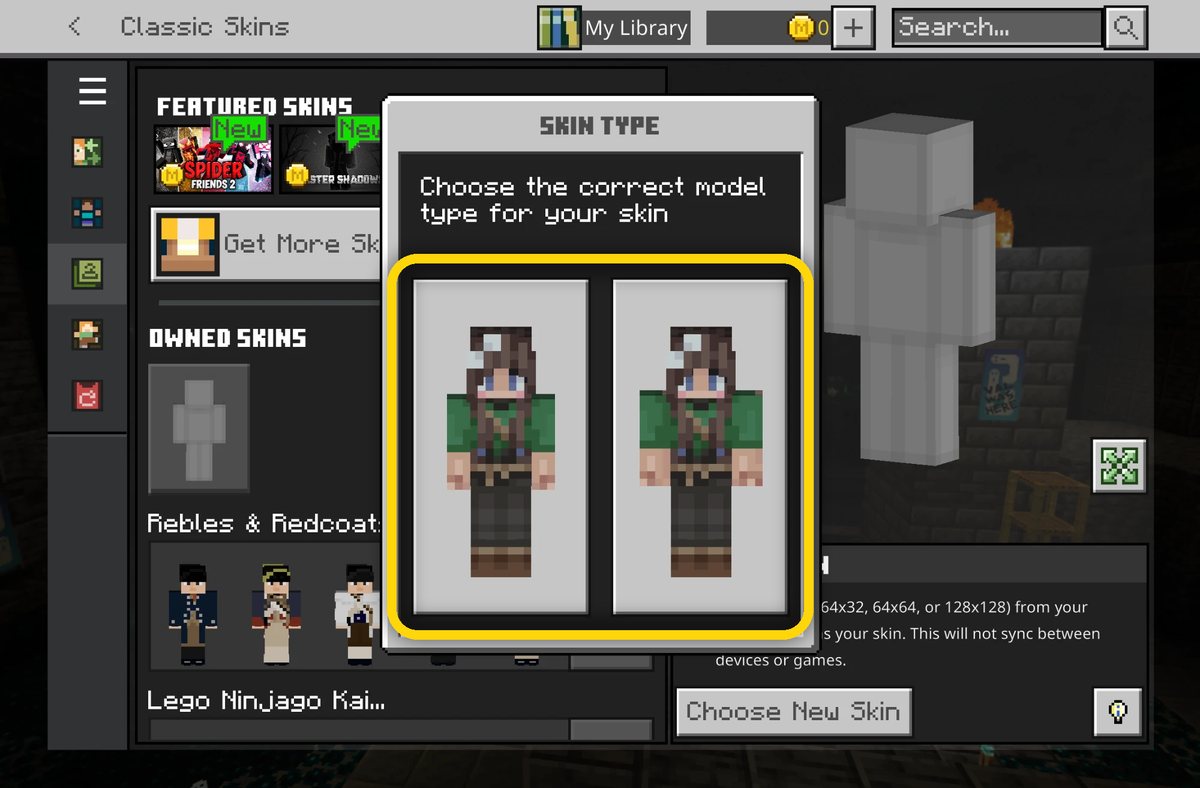
Choose the right model type for your skin.